Measurement & records
A clearer workflow for everyday lens checks.
Choose a lens-specific mode, follow the alignment guidance and keep the results ready for review.
Select the right measurement mode
Choose normal-lens, progressive-lens, contact-lens or automatic-identification mode. Contact-lens measurement uses the dedicated lens support.
Locate distance and near zones
Directional guidance helps position a progressive lens for distance and near readings. Review the addition power or switch to the near-power display.
Automatic L/R and result memory
Enable automatic left/right switching when changing lenses. Stable readings can be stored automatically, including distance and near results in progressive mode.
Keep a printed measurement record
An optional thermal printer produces measurement records with a configurable date format and company header. Specify the printing configuration when ordering.
Building a connected refraction room? Explore the compatible ENOCHTEC setup. Measurement-data interfaces are matched to the supplied configuration.
Center, mark and compare lenses.
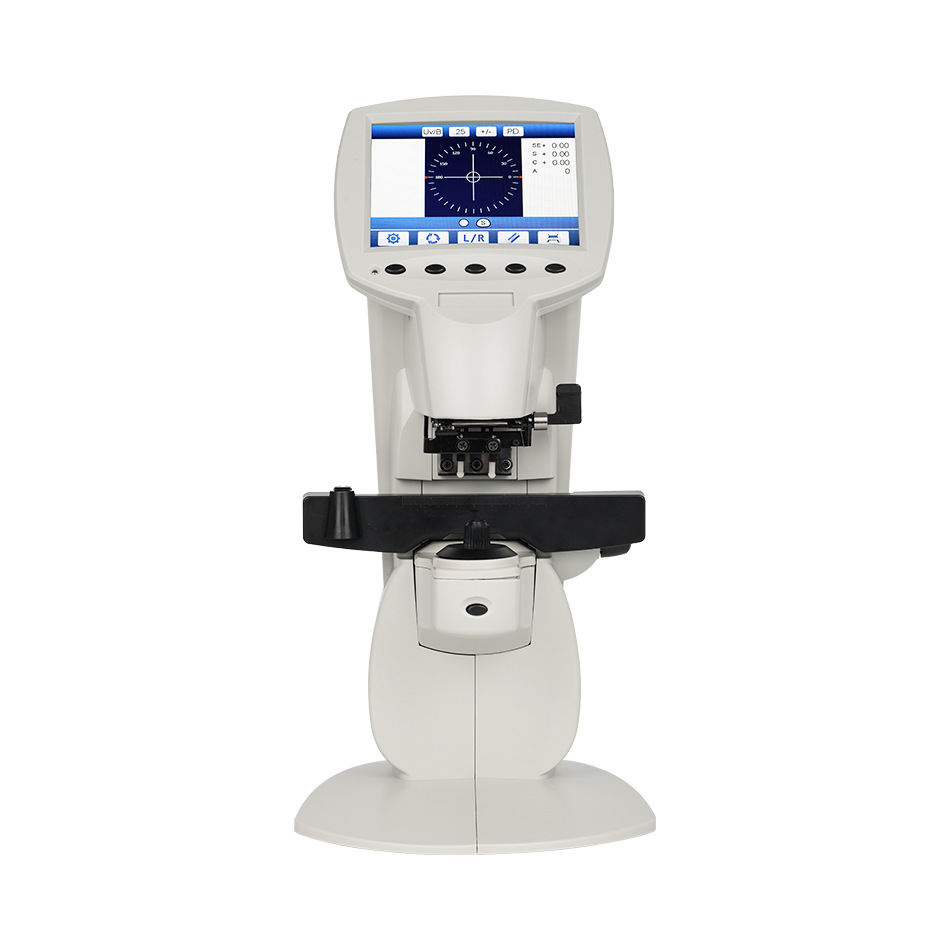
The 5.6-inch color display and graphical centering target support lens positioning before marking. A selectable UV/blue-light mode supports transmittance comparisons between lenses; keep the measurement area away from strong ambient light.