
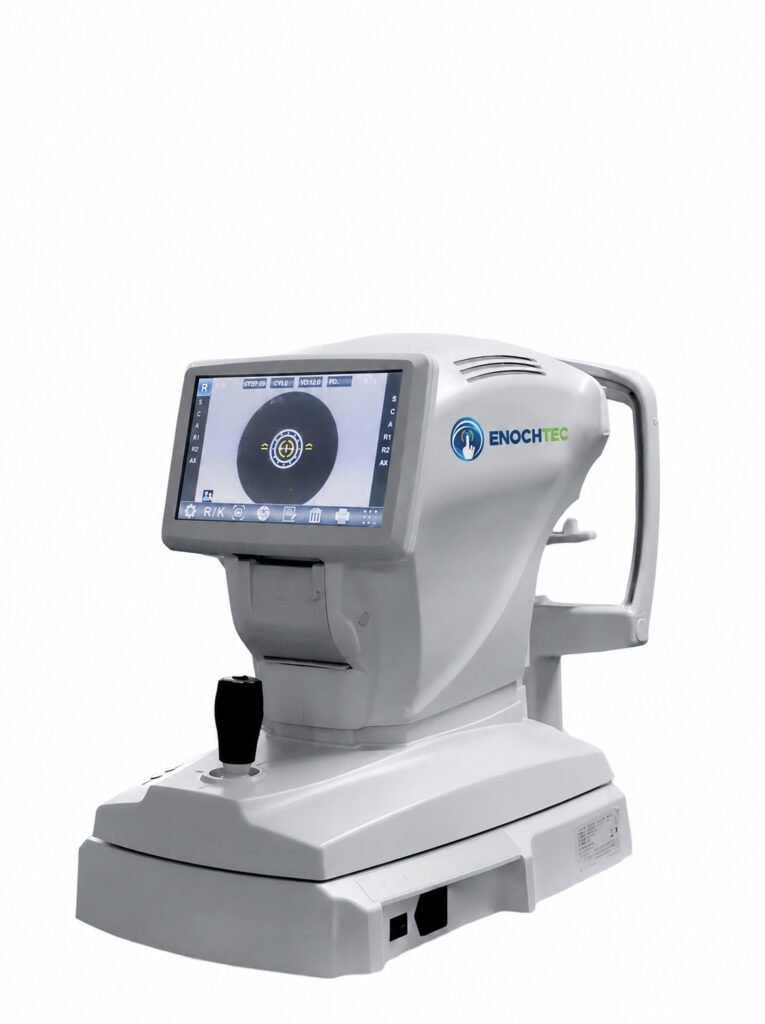
See the RMK-8100 in operation
Explore the instrument, alignment interface, joystick operation, on-screen results and thermal printing.
EXAMINATION & RESULT HANDLING
Practical control, from measurement to output
Choose how measurements are taken, review repeated readings and prepare results for the next step.
01 / MEASUREMENT
Choose measurement and focus modes
Select automatic or manual measurement, with AF or MF focusing to suit the examination.
02 / RESULT REVIEW
Review readings and averages
View up to 10 measurements for each eye alongside their average before choosing the results to use.
03 / PRINTING
Set up printed reports
Print all readings or averages, choose automatic or manual printing, and personalize the report header.
04 / DATA TRANSFER
Connect to the next step
Send readings to a compatible device using the appropriate cable and communication settings.
Objective Refraction and Keratometry in One Instrument
The RMK-8100 auto refractometer keratometer combines objective refractive measurement and corneal-curvature measurement in a tabletop instrument. REF mode supports refractive measurement, KER mode supports corneal-curvature measurement, and K&R mode combines the two functions.
Planning a Refraction Room
RMK-8100 can be considered for professional objective-refraction and keratometry workflows in optometry practices and ophthalmology clinics. Equipment selection and operation should follow the approved instructions for use and applicable professional protocols. Objective measurement does not replace the rest of the planned examination workflow.
Frequently Asked Questions
Which measurement modes are listed?
REF, KER and combined K&R modes are listed. Confirm the exact model and configuration with the quotation.
Which connections are available?
The published materials list RS-232C, LAN and USB. Availability of cables and integration with another device or software must be confirmed separately.
What should I send with a quotation request?
Share your market, quantity, room layout, intended workflow and any integration requirements. Request the current specification and included-accessory list for the selected configuration.
Explore optometry and refraction equipment, or contact ENOCHTEC sales to discuss your requirements.